
Battery Installation Made Simple
Expert MacBook and PC battery replacements across GTA
How to find your MacBook serial number and Model
How to maximize your battery life and lifespan
How to recycle your batteries




FAQs
What batteries do you install?
Depending on the model, we source high-quality OEM (Original Equipment Manufacturer) batteries from trusted vendors to ensure reliable performance and long-term durability.
Do you offer on-site service?
Yes. We can complete the repair at your home or workplace within the GTA. A well-lit area with enough table space is required, and a travel fee of $85 applies.
Do you have a physical store?
We don’t operate a traditional storefront. Most repairs are completed on-site at your location. For added convenience, you may also choose to drop off your MacBook at our Mississauga service point, where the battery replacement is typically completed within 1–2 hours.
How do I get a labour quote for a PC laptop?
Send me your PC model details (including the serial number) and I’ll provide a labour quote.
Is there a certified technician?
Yes, our technician is Apple certified since 2012 and has worked for over 15 years at Apple Authorized Service Providers.
Are all the batteries in stock?
Most commonly requested batteries are kept readily available. In some cases, certain models may require a short lead time. If a battery is not immediately in stock, you will be informed in advance and provided with an estimated availability—typically within 1–3 business days.




My system says Replace Soon or Service Battery?
In case your system shows "Service Recommended", "Replace Soon", "Replace Now", or "Service Battery", then your battery has likely completed its full lifecycle and is now consumed or defective. In either case, replacing it is advised. You can learn more about that message through Apple's website.
My battery is not charging, what should I do?
If your MacBook powers on but the battery isn’t charging, the most common causes are a worn-out or failed battery, a faulty charger or charging cable, debris or damage in the charging port, or a software issue that’s preventing proper power management. Less commonly, it can be related to the charging circuitry on the logic board. You can learn more on that message through Apple's website.
Gallery
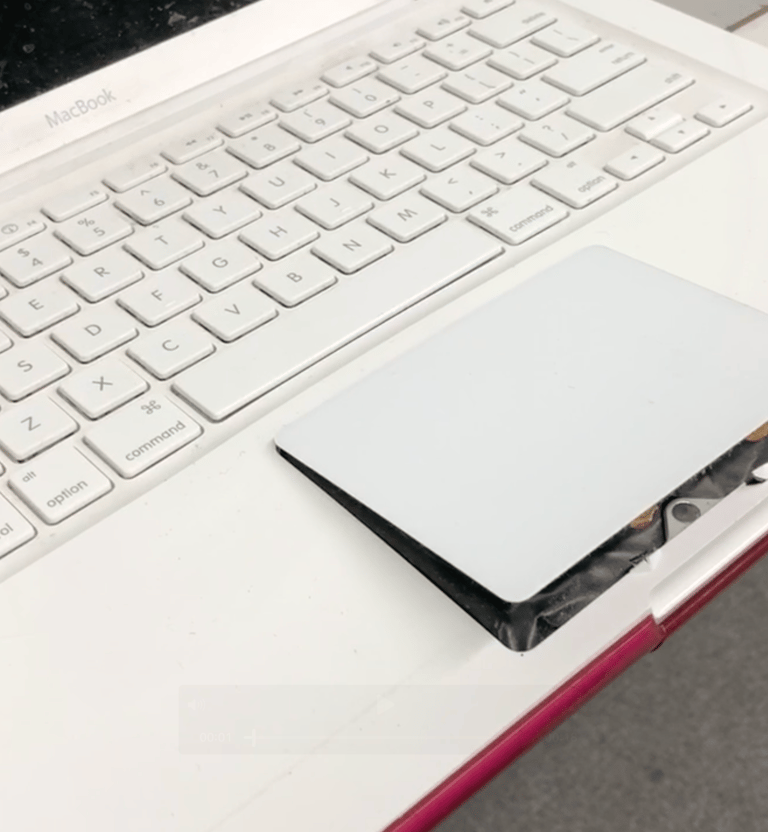
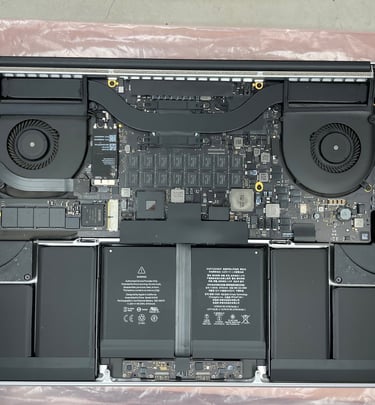
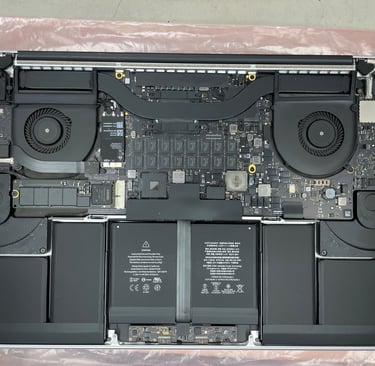
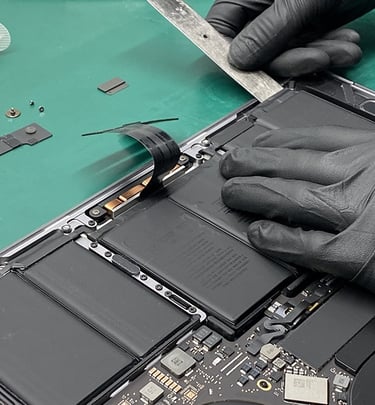
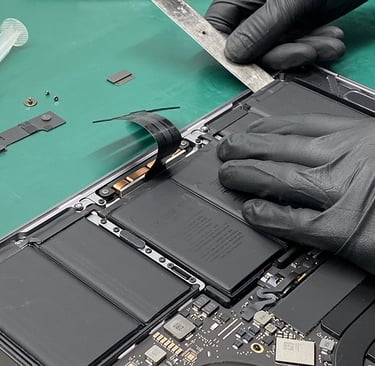
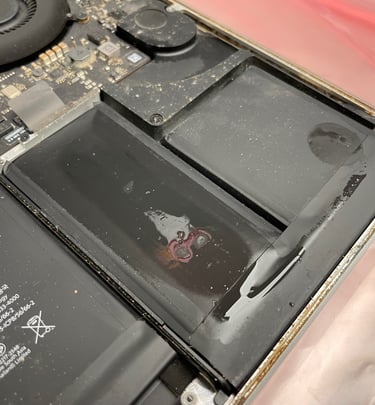
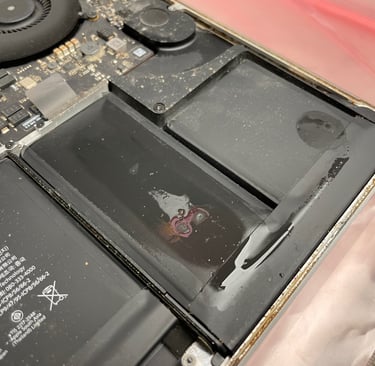
Snapshots of our battery installations and setups


Contact
Please contact us if you have any questions or need clarification.
Phone
support@batengo.com
647-247-6484
© 2025. All rights reserved.


Service Area
Mississauga, Toronto, Etobicoke, Brampton, Oakville, and the Greater Toronto Area.